
Fun88 Deposit Guide: Bank, E-Wallet, Prepaid Card and International Card 2026
Choosing the right Fun88 deposit method gets your transaction processed in minutes, keeps it fully secure, and avoids hidden fees.
Plenty of first-time bettors get stuck halfway through a Fun88 deposit: they enter the right amount, hit confirm, and then sit there watching a balance that won't budge. This usually comes down to two causes: picking the wrong payment method for the device you're on, or skipping the account verification step beforehand. This guide breaks down each deposit method on Fun88, compares them honestly, and walks through the exact steps so your transaction goes through on the first try.
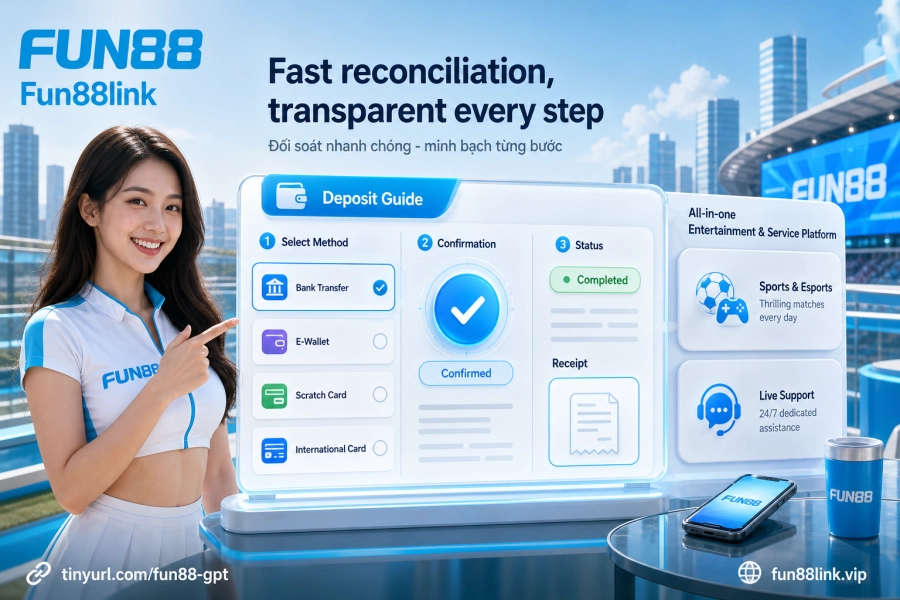
Why verify your account before depositing?
Fun88 requires players to complete identity verification (KYC) before processing any financial transaction. This is a mandatory condition under the regulations of the PAGCOR (Philippines) license and the Isle of Man GSC licence the platform operates under. In practice, if you skip this step, your deposit may be automatically held for manual review, and processing takes noticeably longer than the usual flow.
Information to have ready before your first deposit:
- Full name matching your national ID card (the account name must match the name on your bank account)
- A phone number verified via OTP
- Payment methods linked and activated in advance (e-wallet, bank account)
A name mismatch between your betting account and your bank account is the most common reason deposits get automatically rejected. Double-check it first; it'll save you at least 15 minutes of waiting afterward.
Four deposit methods: head-to-head comparison

Fun88 supports four main deposit channels. Each has its own strengths depending on your use case, and there's no single "best" option. Your choice depends on how fast you need the funds, the device you're using, and your transaction limits.
| Method | Processing speed | Transaction fee | Best for |
|---|---|---|---|
| Domestic bank transfer | 3–5 minutes | Free | Large deposits, security-first players |
| E-wallets (MoMo, ZaloPay, ViettelPay, VnPay) | Under 3 minutes | Free or low | Quick deposits, no need to open a banking app |
| Prepaid phone cards (Viettel, Mobifone, Vietnamobile) | A few minutes | Conversion fee (~20–30%) | No bank account or e-wallet |
| International Visa / Mastercard | 5–10 minutes | Currency conversion fee set by the bank | International accounts, foreign currency deposits |
Domestic bank transfer is the most popular choice because it's completely free and the system links automatically with most major banks. E-wallets are a bit faster during peak hours since they don't depend on the Napas network. Prepaid cards are convenient but carry a high conversion fee, so only use them when you have no other option. International cards are meant for players without a domestic bank account or those who want to deposit in foreign currency.
Step-by-step deposit process: don't miss a single detail
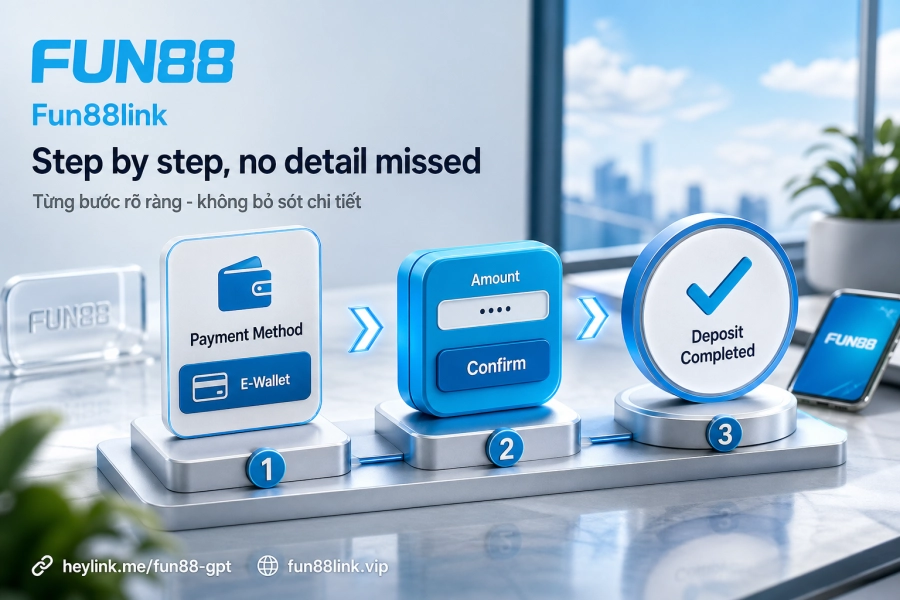
Here's the actual workflow on the website and the Fun88 app. These steps apply to every method and only differ in the payment details you enter:
- Log in: Go to the Fun88 login page and enter your correct username and password. If two-factor authentication is enabled, enter the OTP sent to your registered phone number.
- Open the Deposit section: Once logged in, click the wallet icon or the "Deposit" button in the top-right corner of the interface. On the mobile app, this option is in the main menu bar.
- Choose a payment method: The interface shows the list of active deposit channels. Pick the right one. For example, if you choose MoMo, you'll need to open the MoMo app on your phone to scan the QR code or confirm the transaction.
- Enter details and amount: Fill in the full form: the amount you want to deposit (note the minimum and maximum limits for each channel), the account holder's name, and the linked phone number. Review everything before clicking next.
- Confirm and track status: After clicking confirm, the transaction moves to "Processing." Usually the balance updates within 3–5 minutes. If nothing changes after 15 minutes, check your transaction history in your account.
One detail people often overlook: in step 4, the "Transfer note" field (for bank channels) must contain the exact transaction code the system provides. A wrong code or a blank field is the number one reason money leaves your account but never shows up as balance.
Domestic banks: the choice for security-minded players
Bank transfers through domestic banks are encrypted with 128-bit SSL, the same security standard Fun88 applies across its entire system. You complete the transaction through your familiar banking app, with no third-party software to install and no sharing of bank account details with anyone. This is why regular bettors and those depositing larger sums tend to prefer this method.
Bank transaction history also provides a clear record if you need to reconcile later, which helps when a transfer is delayed or you need to contact the Fun88 customer service team to look into it.
E-wallets: speed and convenience for mobile players
MoMo, ZaloPay, ViettelPay and VnPay are all built in. The practical difference from bank transfers: e-wallets process independently of the Napas network, so they're less affected by the system maintenance windows that many banks run daily, usually between 0 and 2 a.m.
The e-wallet flow usually adds one extra step: scanning a QR code or confirming within the wallet app. That takes about 30 seconds, but in return the transaction is recorded faster, especially in the evening when bank traffic peaks. Players who make frequent small deposits throughout the day will find e-wallets save noticeably more time.
Prepaid cards and international cards: when are they really needed?
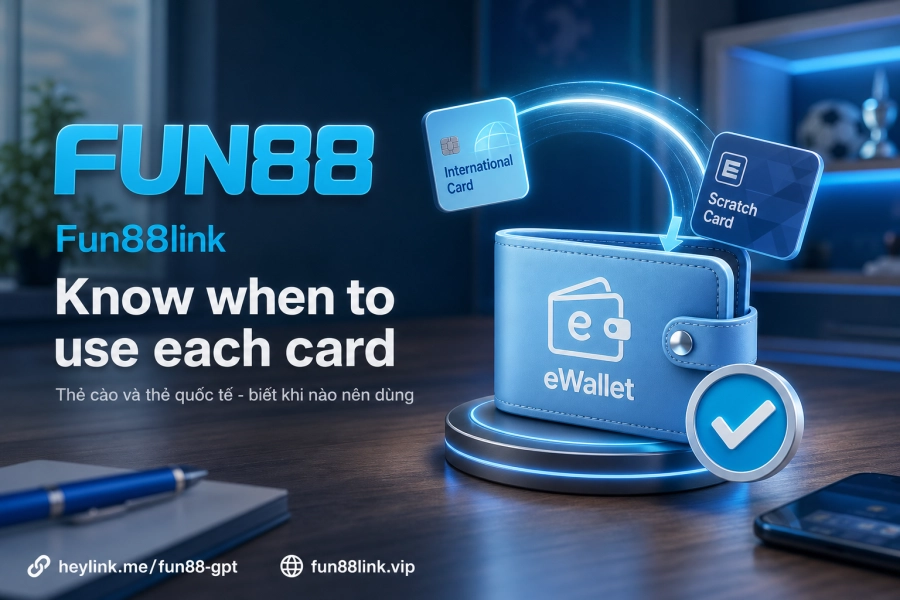
Prepaid phone cards (Viettel, Mobifone, Vietnamobile) are the longest-running deposit method in the online betting industry. Their only real advantage: you don't need a bank account or e-wallet. Buy a card at a convenience store, scratch off the code, enter it into the system, and you're done. The catch is that the conversion fee from card face value to betting credit runs roughly 20–30%, so a card worth 100,000 VND only converts to about 70,000–80,000 in credit. That's a cost worth weighing if you deposit regularly.
Visa/Mastercard suits players without a domestic bank account or those who want to deposit in foreign currency. Fees depend on the issuing bank's currency conversion policy, typically 1–3% depending on the institution. Before depositing with an international card, check whether your issuing bank blocks transactions to betting sites, as some banks have this policy.
Fixing common deposit errors
Most deposit problems fall into three main categories:
- Slow transaction (no credit after 5–15 minutes): Check your transaction history in your Fun88 account first. If it shows "Processing," wait a bit longer, since the system is reconciling automatically. Only contact customer service if the status hasn't changed after 30 minutes.
- Wrong details or transaction code: The system can't match the payment if the transfer note is incorrect. Contact the support team with a screenshot of the confirmation from your bank or e-wallet so they can reconcile it manually.
- Exceeding limits or connection errors: Each method has its own minimum and maximum amount. Deposits below the minimum are automatically rejected. Connection errors usually clear after refreshing the page or switching to the official app.
One simple habit prevents most headaches: take a screenshot of the transaction confirmation from your bank or e-wallet as soon as you make the payment, rather than searching for it later when you need it.
Transaction security and money management
Fun88 operates under PAGCOR and Isle of Man GSC licences and uses 128-bit SSL encryption across the entire transaction flow. On your end, the Fun88 security policy is clear: never share your login details or bank account information with anyone, including people who claim to be support staff on social media. The official customer service team only contacts you through channels registered on the site, and will never ask for your password or OTP code.
On money management: deposit services run 24/7 with no limit on the number of deposits per day. That convenience is genuinely useful, but it's also why Responsible gambling guidelines recommend setting deposit limits per week or per month, which is easier to stick to than controlling each individual transaction. Stick to your predetermined budget, review your transaction history regularly, and don't deposit when you're under emotional pressure. These are the three basic rules experienced players often repeat.
Also, players who deposit regularly may receive promotions and bonuses in rounds. Current details are updated constantly in the Promotions section on Fun88.
Finally, something worth thinking about: with four methods and a broadly connected automated processing system, deposit issues usually stem from user actions rather than system faults. So which step in the process above do you tend to skip most often?