
Access Your Fun88 Account in Three Quick Steps on Browser and Mobile App
Logging in correctly from the start helps you avoid most account problems later on — including temporary lockouts or losing access.
Enter the wrong password 5 times and the Fun88 system will automatically lock your account temporarily — no warning, no second chances. This is the number many long-time players tend to forget when switching devices or using a new browser. This article goes straight into the login process and the points where things most often break down.
Before you start, if you don't have an account yet, check the guide on Opening a fun88 account to finish registering first.
Browser on PC or mobile app — which login method works better?
There's no one-size-fits-all answer; it depends on your habits and what you're using the session for. Here's a practical comparison of the two methods:
| Criteria | Login on PC (browser) | Login via Mobile App |
|---|---|---|
| Interface | Wide screen, easier to view odds boards and stats | Streamlined interface, good for quick checks |
| Access speed | Optimized with high bandwidth, depends on browser and network | Runs stably 24/7, rarely interrupted by carrier link blocking |
| Authentication security | Passwords saved via Chrome/Safari, autofilled | Biometric authentication (fingerprint/Face ID), no need to type a password |
| Risk of link being blocked | Can happen when carriers block the domain | The app bypasses this barrier completely |
| Best suited for | Deposits, tracking odds in detail, placing multiple bets | Quick access anytime, following live results |
If you usually work on a computer and need to monitor several markets at once, the PC browser is the more sensible choice. On the other hand, if you're often on the move and need quick reactions, the mobile app is clearly more convenient — especially once biometric login is turned on.
Where should you download the Fun88 app to avoid fake files?
The only real risk with the app is downloading from an unofficial source. Only download the installer from the official page via the Fun88 app download page — don't use links shared on social media or third-party forums.
How does the login process work on a PC browser?
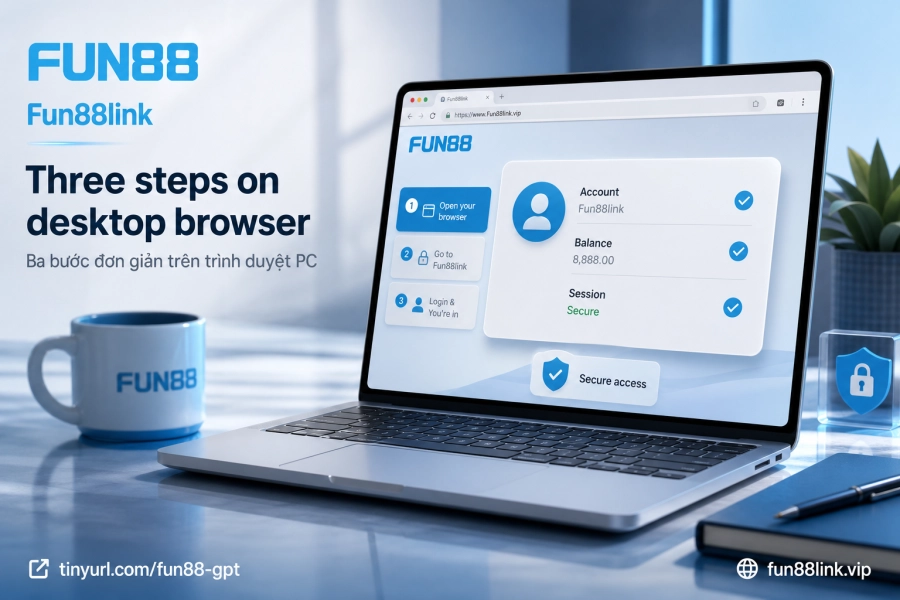
The whole process takes 3 steps, but the easiest place to go wrong is the very first one — picking the correct access address. Here's the right way to do it:
- Go to the official link: Head directly to Fun88link or use your saved bookmark. Don't retype the domain name each time, as it's easy to land on a fake site with the same look.
- Enter your login details: Type your correct username (not your email unless you registered with email) and password. Check Caps Lock first — it's the most common cause of a wrong password on the first try.
- Press Login and wait for verification: If you've enabled OTP verification, the code will be sent to your registered phone number or email. Enter the code before it expires.
Once you reach your account homepage, Chrome and Safari will ask whether you want to save the password. If it's a personal device, go ahead and save it so it autofills next time — it saves time and reduces the chance of typos. On a public computer or someone else's machine, skip this option and remember to log out when you're done.
When should you use 4G/5G instead of WiFi?
Public WiFi (cafés, airports, hotels) carries a risk of connection eavesdropping. For a betting account holding real funds, that risk isn't worth taking. Switch to 4G/5G whenever you need to log in outside the home — it adds about 2 seconds but keeps your account safe.
What's different about logging in through the mobile app?
The biggest difference is biometric authentication. After your first login with a password, the app lets you turn on fingerprint or Face ID — after that, just one tap, nothing else to type. Combined with the "Remember me" feature, the app almost completely eliminates manual input.
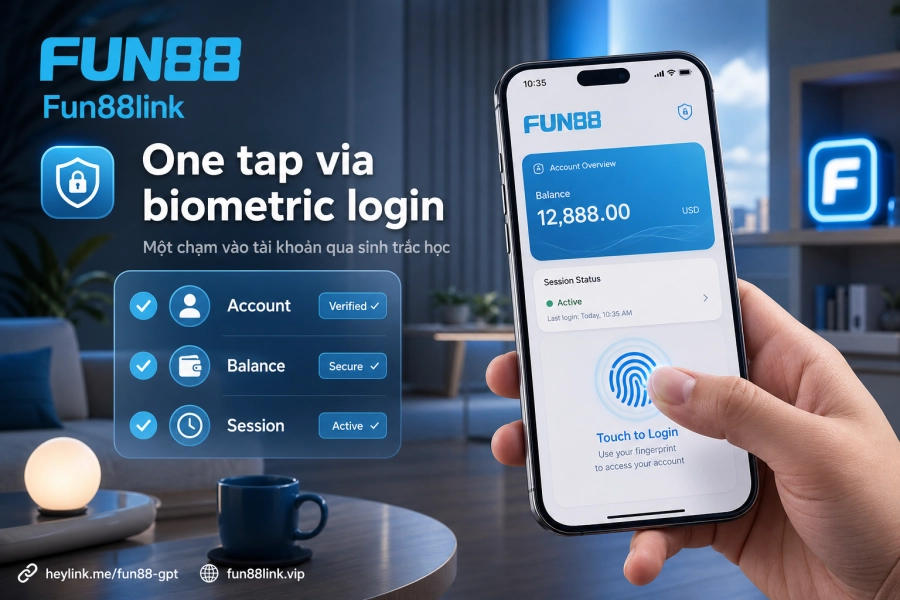
Steps for the first login on the app:
- After installing, open the app and select "Login" on the welcome screen.
- Enter your username and password — exactly the same as your web account, no need to create a new one.
- Turn on "Remember me" or "Biometrics" as soon as the app prompts you after a successful login.
One practical thing to know: if you update the app to a new version or uninstall and reinstall it, biometric settings may reset and need to be set up again from scratch. This isn't a security bug — it's the system's proactive protection mechanism.
Does the app get interrupted when carriers block links?
No. The mobile app operates independently of the web domain infrastructure, so it isn't affected when carriers block the browser access address. This is why many long-time players prefer the app over the browser when a domain is blocked locally.
Account temporarily locked after 5 wrong attempts — what now?
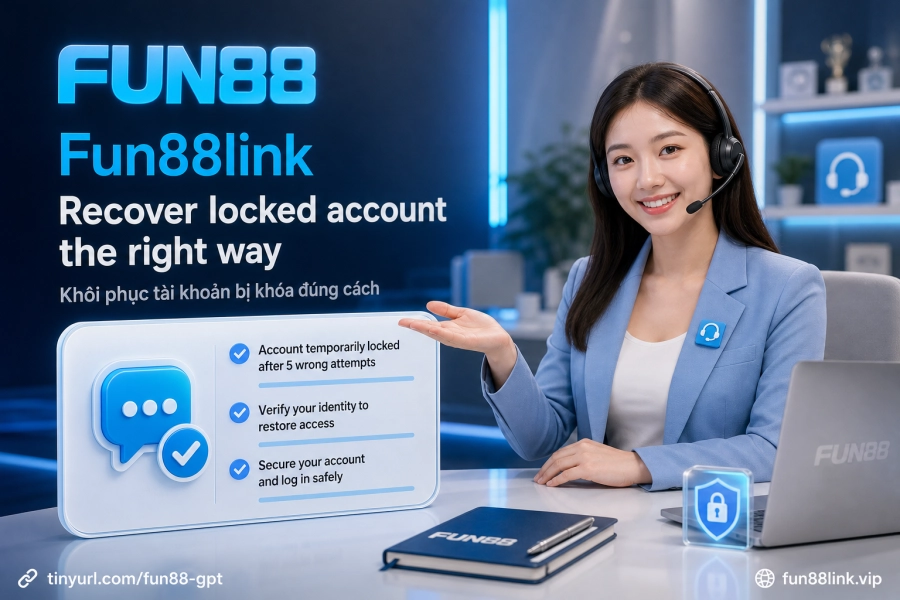
The temporary lockout is a proactive protection measure, not a punishment. Once triggered, you won't be able to log in even with the correct password until you complete one of the following two steps:
- Use the "Forgot password" feature: Enter your registered email or phone number and the system will send a password reset link. Once you confirm, the account is unlocked at the same time.
- Contact customer support: Via live chat or the contact channels on the Fun88 customer support page. You'll need to provide identity verification details to have the account unlocked manually.
Practical tip: before trying a 4th or 5th time, stop and double-check the password you're using — especially if you recently changed it on another device that this browser hasn't updated yet. One more failed attempt will trigger the lock immediately.
OTP not arriving — what to do?
If the OTP code doesn't arrive within 60 seconds, check: (1) whether your phone has signal, (2) whether the registered phone number is still in use, (3) your spam folder if the OTP was sent by email. If your phone number has changed or you no longer have access to the original email, contact support to update your verification details — this case requires manual identity verification and usually takes longer to process.
What are the account security principles you should know well?
Fun88 operates under PAGCOR Philippines and Isle of Man GSC licenses, and also uses 128-bit SSL to protect connections. But technical security only works when users don't create vulnerabilities on their own end.
Points to keep up consistently:
- OTP codes are strictly confidential — never share them with anyone, even if the person claims to be a support agent. Fun88 kyc and official channels will never ask for verification codes over chat.
- Log out after every session on a device that isn't yours — don't just close the tab; press the actual Log out button to end the session on the server.
- Don't save passwords on public browsers — Chrome will suggest saving them, but on a shared machine, decline.
- Use a strong password that isn't reused elsewhere — a password leaked from another service can be used to try logging into your betting account.
When withdrawing, the system requires an OTP sent to your registered phone number or email. This is an additional verification layer — see the process on the Fun88 withdrawal page for specific conditions. Accounts with full security enabled are much less affected even if the password is leaked from outside, because an attacker still needs the OTP to complete any transaction of real value.